How to Turn a Family Photo into a Coloring Page
A family photo can be more than just a picture saved on your phone.
With a few easy edits, you can turn an ordinary photo into a personalized coloring page. It could feature parents, kids, grandparents, pets, or a favorite family moment. Once finished, you can color it at home, add it to an activity book, or give it as a special gift.
You don’t need to be an artist for this project. The key is picking a good photo and making it simple enough to get clear, printable outlines.
Begin With the Right Photo
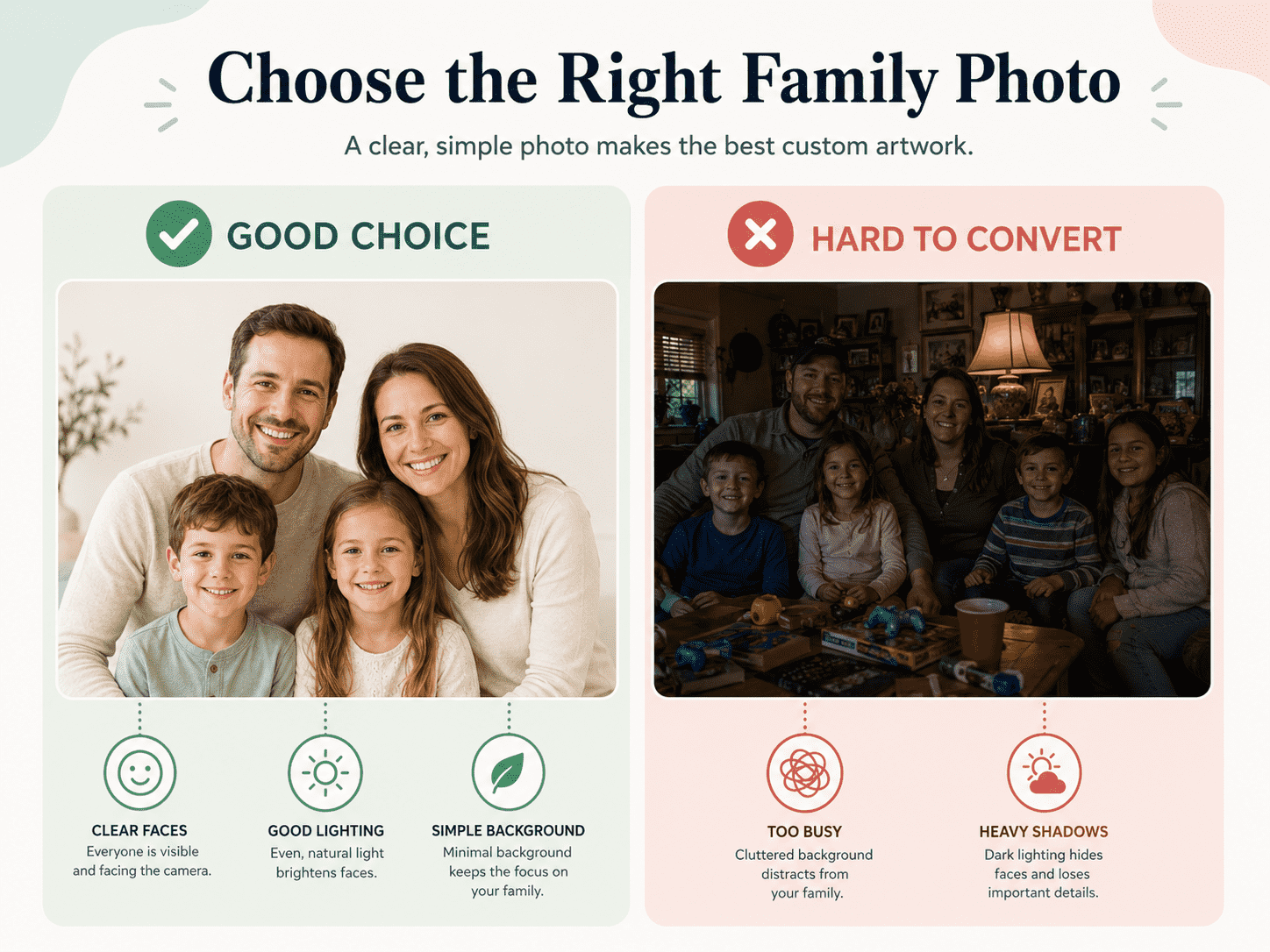
Not every family photo will work well as a coloring page.
Photos taken in dark or busy settings can create too many shadows and extra lines. Simple, well-lit pictures are usually easier to turn into coloring pages.
Look for a photo with:
- Clear faces
- Good natural lighting
- Strong separation between people and the background
- Minimal blur
- Simple clothing
- A limited number of people
- No heavy shadows across the face
A photo of one or two kids standing in front of a plain wall usually works better than a big family group in a busy restaurant.
Close-up and waist-up portraits are often easier for young children to color because the facial features and clothing appear larger. Full-body photos can also work, especially when the pose and background are simple.
If you want to use someone else’s photo, always ask for permission first. Be extra careful with photos of children, especially if you plan to share them online. If the coloring page is just for your family, you don’t need to post it publicly.
Remove Anything the Page Does Not Need
Photos have a lot more detail than a coloring page needs.
Things like curtains, furniture, plants, patterns, and shadows can turn into distracting black lines after you convert the photo. Removing these details first usually gives you a cleaner coloring page.
Crop the photo to focus on the people or subject you want. If your editing tool lets you, remove or blur the background.
You may replace the original background with:
- Plain white space
- A simple garden
- A few clouds
- Stars or hearts
- A basic room outline
- A short personalized message
You don’t have to keep every part of the photo. The goal is to make a fun coloring page, not a perfect copy.
A simple background also leaves room for kids to add their own drawings later.
Convert the Picture Into Clear Outlines
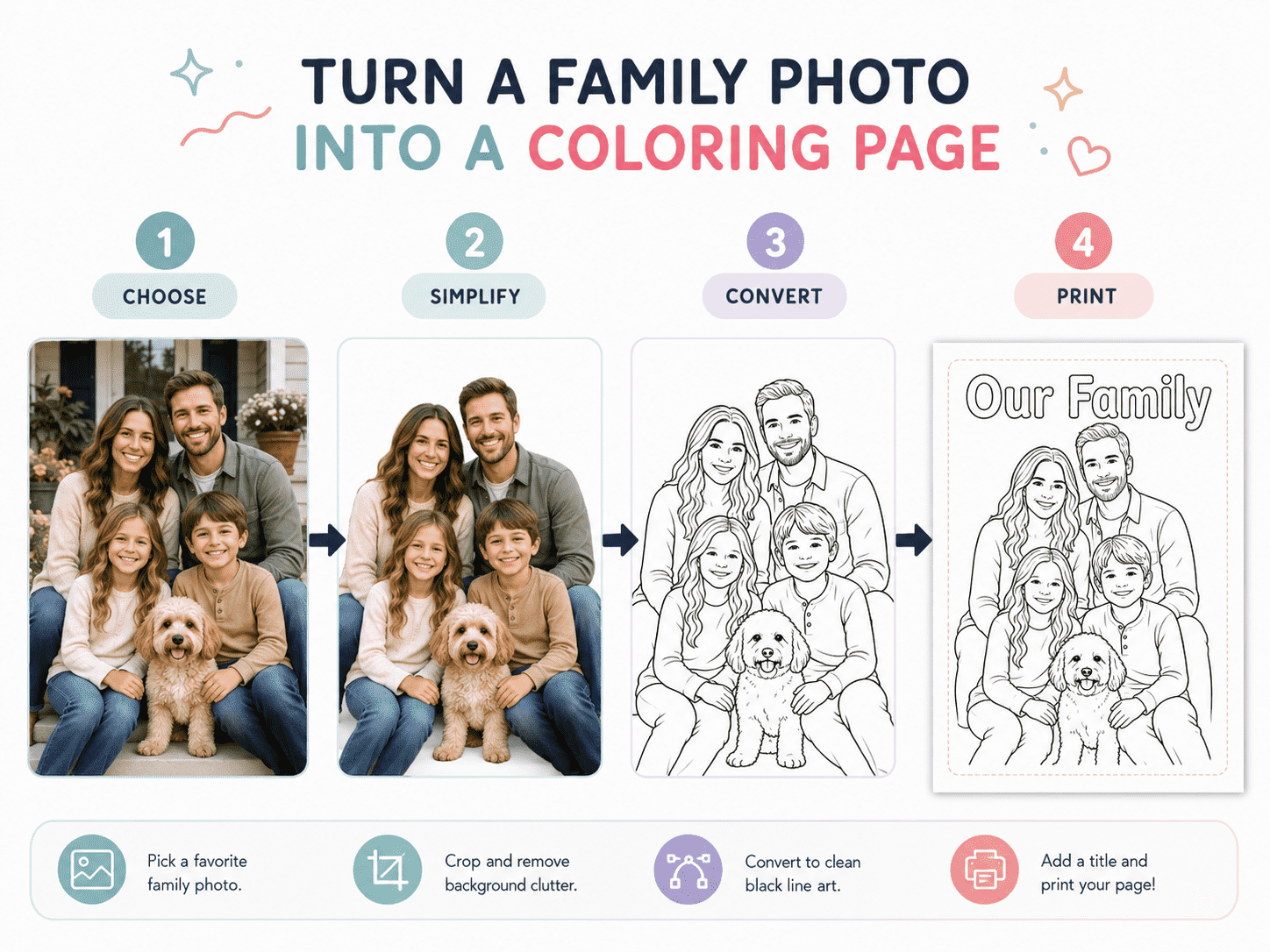
Most photo-editing programs and mobile apps include effects with names such as:
- Sketch
- Pencil
- Outline
- Line Art
- Black and White
- Edge Detection
- Drawing
The names of these effects might be different, but the main idea is to take out most of the color and keep the outlines.
Start by changing the photo to grayscale or black and white. Then apply a sketch or outline effect.
The first version might not be ready to print. Filters often add extra lines around hair, clothes, shadows, and the background. Adjust the settings to clean up the image and make the main outlines stand out.
Adjustments that may help include:
- Increasing brightness
- Increasing contrast
- Reducing shadows
- Simplifying fine details
- Making the background white
- Strengthening the darkest lines
- Removing small unwanted marks
Pay extra attention to faces. Too many lines around the eyes, nose, or cheeks can make someone look older or hard to recognize. Keep the main features, but erase extra shadow lines if you can.
Hair does not need to include every strand. A clean outer shape with a few internal lines is usually enough.
Clean the Image by Hand
Automatic filters save time, but they usually don’t make a perfect coloring page by themselves.
Zoom in and look over the image closely. Use a digital eraser to get rid of random dots, broken lines, background marks, and dark spots that would be hard to color.
You may also need to redraw or strengthen a few important lines, such as:
- The edge of a face
- The outline of a shirt
- A child’s hands
- The shape of the hair
- Glasses
- A pet’s ears or tail
Try to keep the lines about the same thickness. Very thin gray lines might not show up when you print, and big black areas use extra ink and leave less room for coloring.
The result should look simple enough that a child can immediately understand what each shape represents.
Match the Detail to the Child
You can adjust a family photo coloring page for different ages.
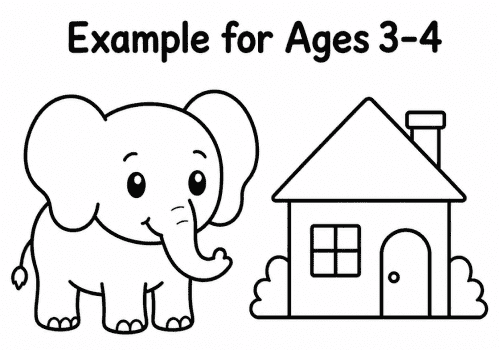
For younger kids, make the image as simple as you can. Use thick outlines, take out clothing patterns, and leave big open spaces.
Older kids might like more details in the hair, face, background, or clothes.
If you are unsure how much detail to keep, the guide How to Choose the Right Coloring Pages for Your Child’s Age explains how picture complexity affects the coloring experience.
The aim is not to create the most detailed image possible. A simpler page often looks better after printing and is easier to color.
Add a Personal Touch
After you’ve cleaned up the outline, add a little detail to make the page feel special.
You might include:
- The family name
- The child’s name
- A birthday date
- “Our Family”
- “A Day at the Beach”
- “Grandma and Me”
- “My Favorite Memory”
- A short message
- A simple decorative border
If you want the child to color the letters, leave them as empty outlines.
You can also add your family photo to a bigger personalized book. Try making a page for each family member, one for pets, one for your home, and a blank page where your child can draw everyone together.
The instructions in Turn Your Ideas into a Personalized Coloring Book explain how to organize, print, and bind those pages.
Prepare the Page for Printing
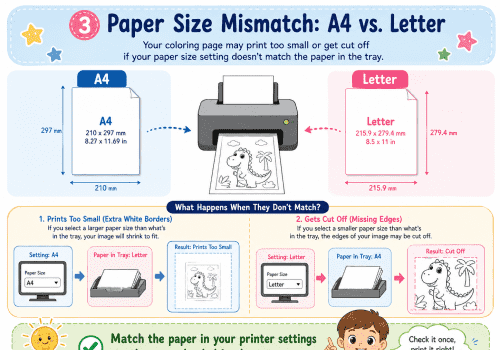
Put the finished outline on a white A4 or US Letter page. Make sure there’s enough space around the edges so nothing important gets cut off when you print.
Before saving, check that:
- The background is clean and white
- The outlines are dark enough
- No face or body part is cropped accidentally
- The image is centered
- There are no large, solid-black areas
- The file has enough resolution for a full page
- The orientation matches the picture
Try to save the finished page as a high-quality PNG or PDF if you can.
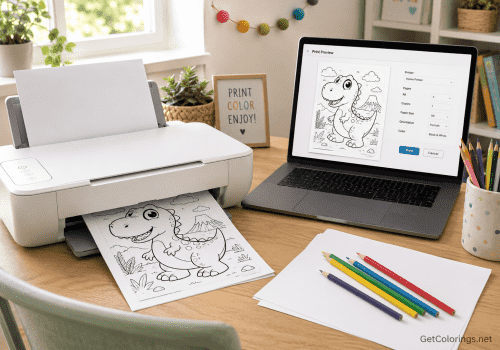
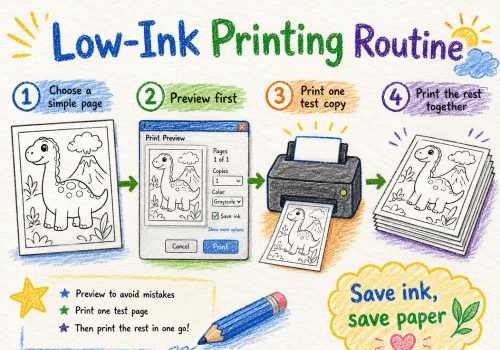
Print a test copy before making more. Use black-and-white printing, standard quality, and Fit to Page, unless the preview suggests a different setting works better.
More detailed setup instructions are available in How to Print Coloring Pages at Home.
Standard printer paper is suitable for crayons and colored pencils. Slightly thicker paper may be better when the finished page will be framed, given as a gift, or colored with markers. See The Best Paper for Printing Coloring Pages at Home for a comparison of common paper weights.
Make the Coloring Experience More Personal
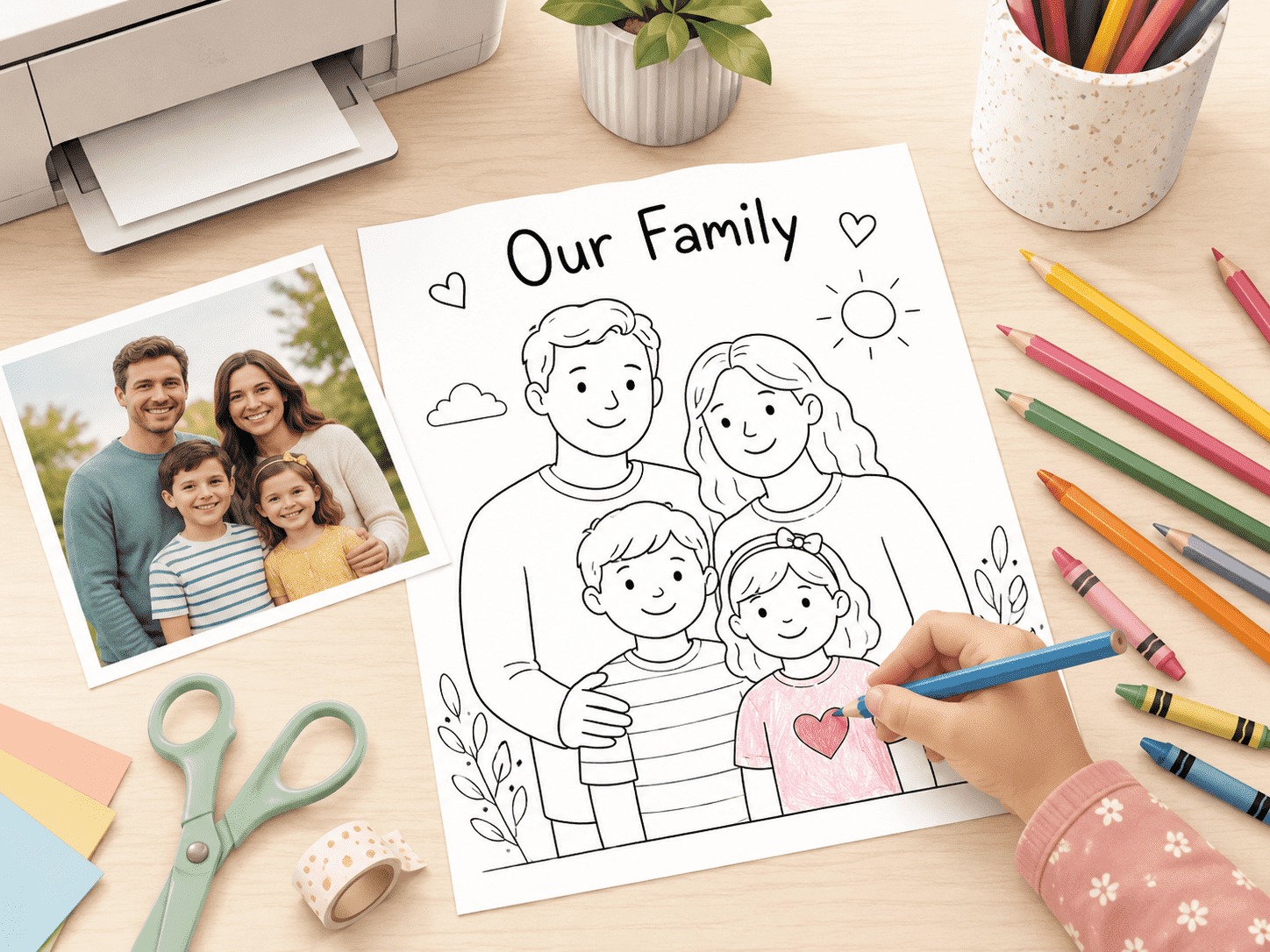
Give the child the original photo and the coloring page together.
They can use the real colors, make up new ones, or change the whole scene. Maybe a blue shirt becomes purple, a plain wall turns into a garden, or the family pet gets rainbow fur.
Parents can ask:
“Do you remember where this photo was taken?”
“What would you add to the background?”
“Which colors would you change?”
“Who should we turn into a coloring page next?”
This turns coloring into a chance to talk about family memories, not just a regular art activity.
Colored pencils work well for facial details and smaller areas, while crayons are easier for broad clothing and background sections. The guide Crayons vs. Colored Pencils vs. Markers can help you choose suitable supplies.
Ideas for Using the Finished Page
There are lots of ways to use a personalized family coloring page.
Print copies for a family get-together so everyone can color the same photo in their own way. Add the page to a birthday activity pack. Let kids color a picture of their grandparents and give it as a gift.
The completed artwork can also become:
- A greeting card
- Framed wall art
- A scrapbook page
- A notebook cover
- A family-book cover
- A holiday keepsake
More reuse ideas can be found in 20 Creative Things to Make with Finished Coloring Pages.
From Family Memory to Creative Keepsake
The best photo coloring pages aren’t always the most realistic.
The best ones keep enough familiar details for your family to recognize the moment, but also leave space for your child to add their own ideas.
Start with a clear photo, take out anything you don’t need, simplify the outlines, and print a test page. Then let your child decide how the memory should look in color.
A regular photo captures just one moment, but a personalized coloring page lets your family revisit that memory and bring it to life in a whole new way.